about opslab
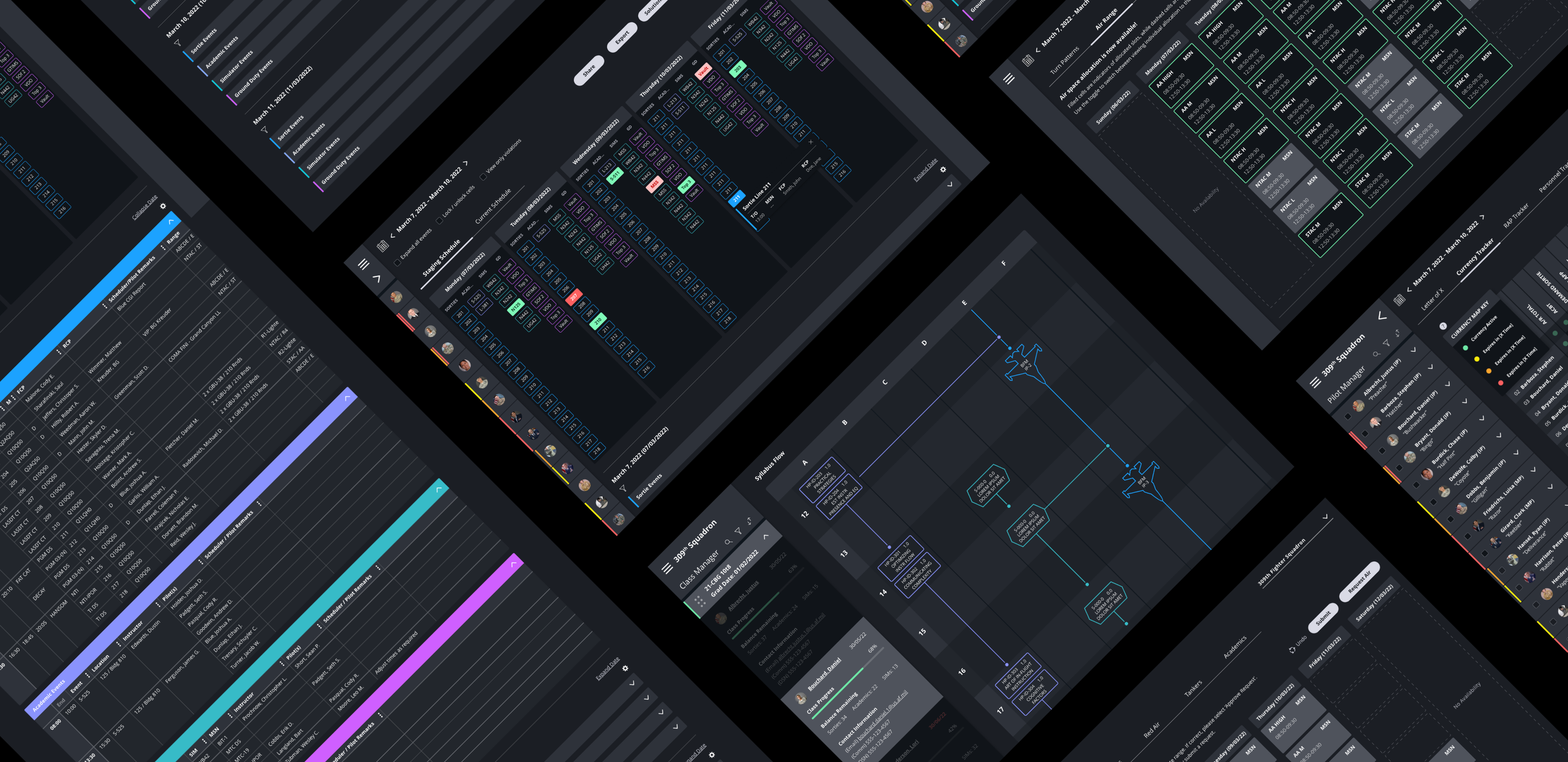
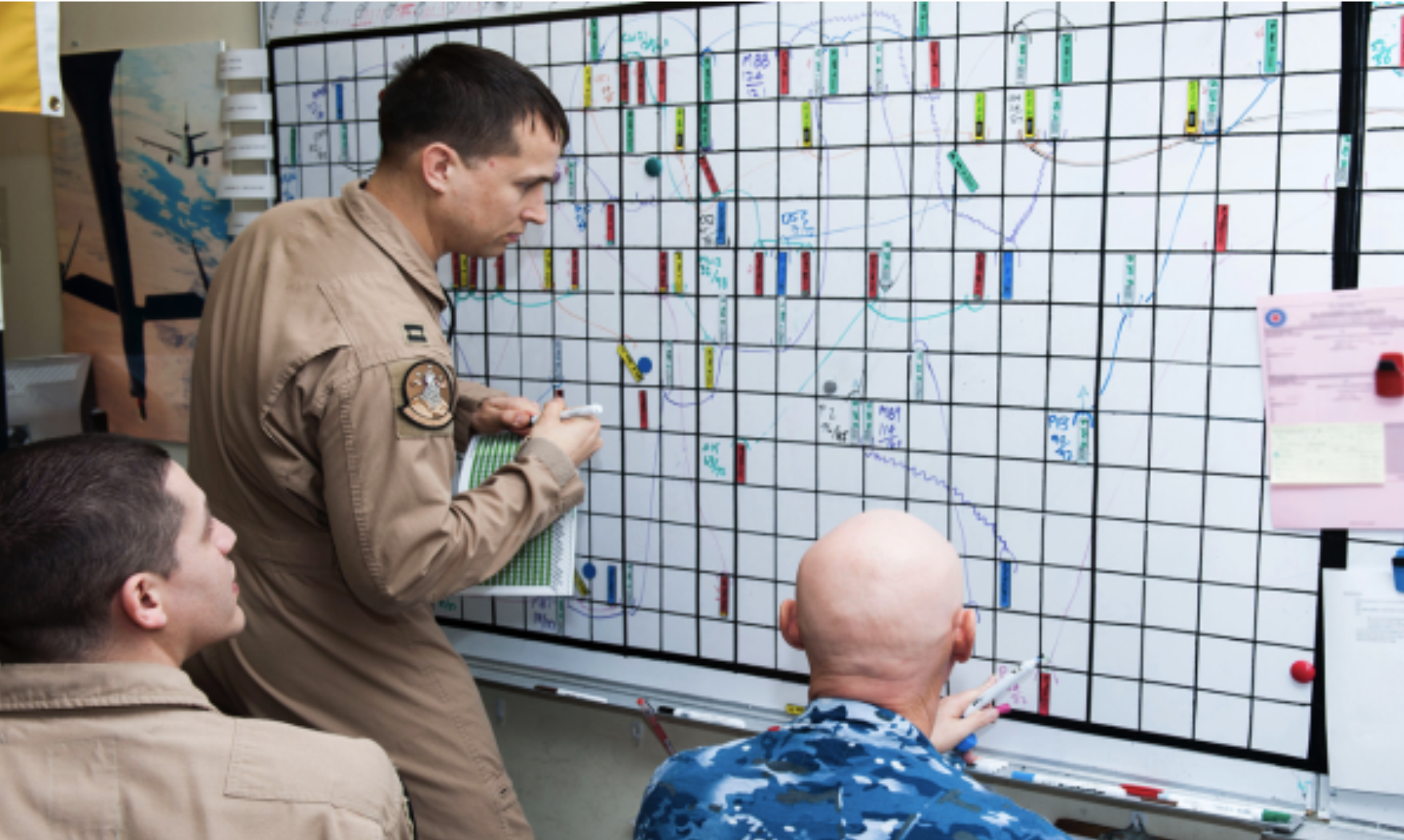
OpsLab is an AI-powered scheduling platform built for the U.S. Air Force Academy, replacing a manual process reliant on whiteboards and printed schedules. Over six months, I designed a configurable scheduling interface that optimizes flight schedules and training syllabi in real time.
My role
As UX lead, I defined the end-to-end experience from the ground up, translating a highly specialized domain into a usable system for student pilots and instructors. I partnered with leadership to shape the product vision, led discovery and journey mapping, and delivered high-fidelity solutions supported by a scalable system.
The Problem Landscape
Flight scheduling at the Academy required coordinating training progression, instructor availability, aircraft constraints, and external factors like weather. The process relied on manual tools, making it difficult to adapt to change or understand downstream impact.
As a result, planning was time-intensive and reactive, with limited visibility into operational readiness
My Approach
The work began with building fluency in the military scheduling system before designing the interface, using discovery and journey mapping to define complex workflows and constraints. This approach led to:
Designing directly in high-fidelity to accurately model data-driven behavior
Building fully interactive prototypes each sprint for stakeholder validation
Iterating rapidly based on feedback from leadership and external partners
Developing visual design and a scalable design system in parallel
EXPERIENCE SOLUTIONS
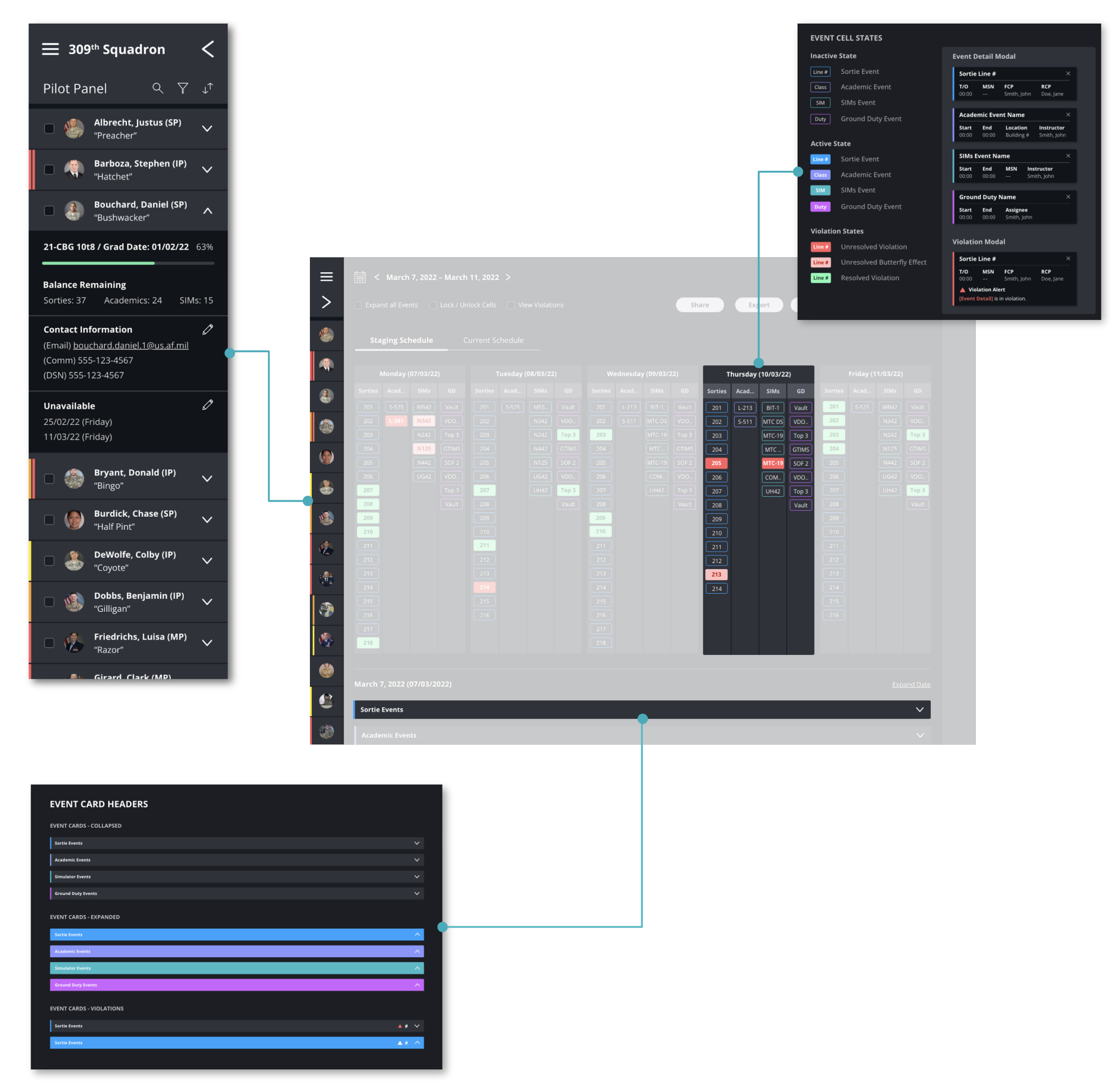
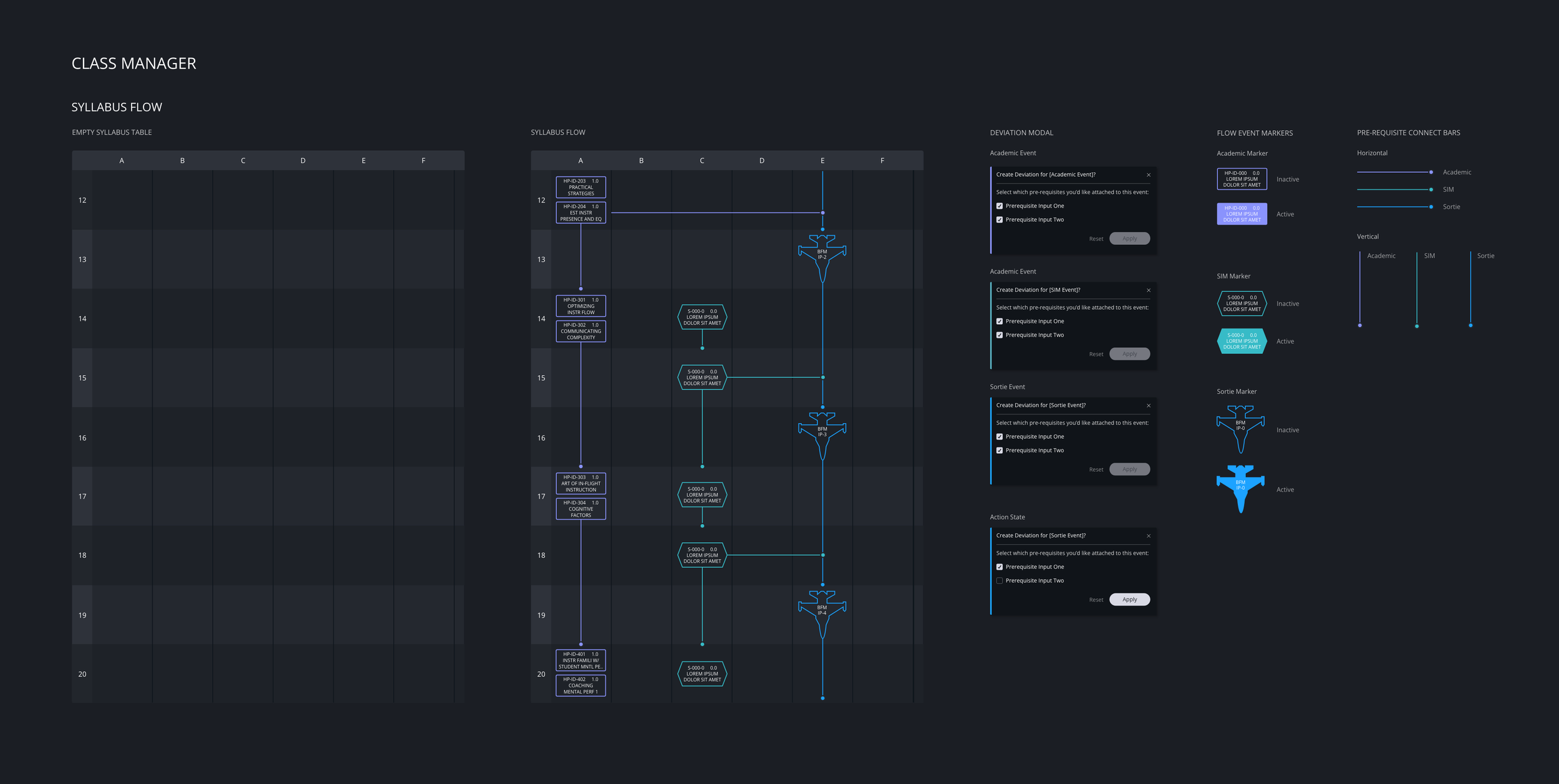
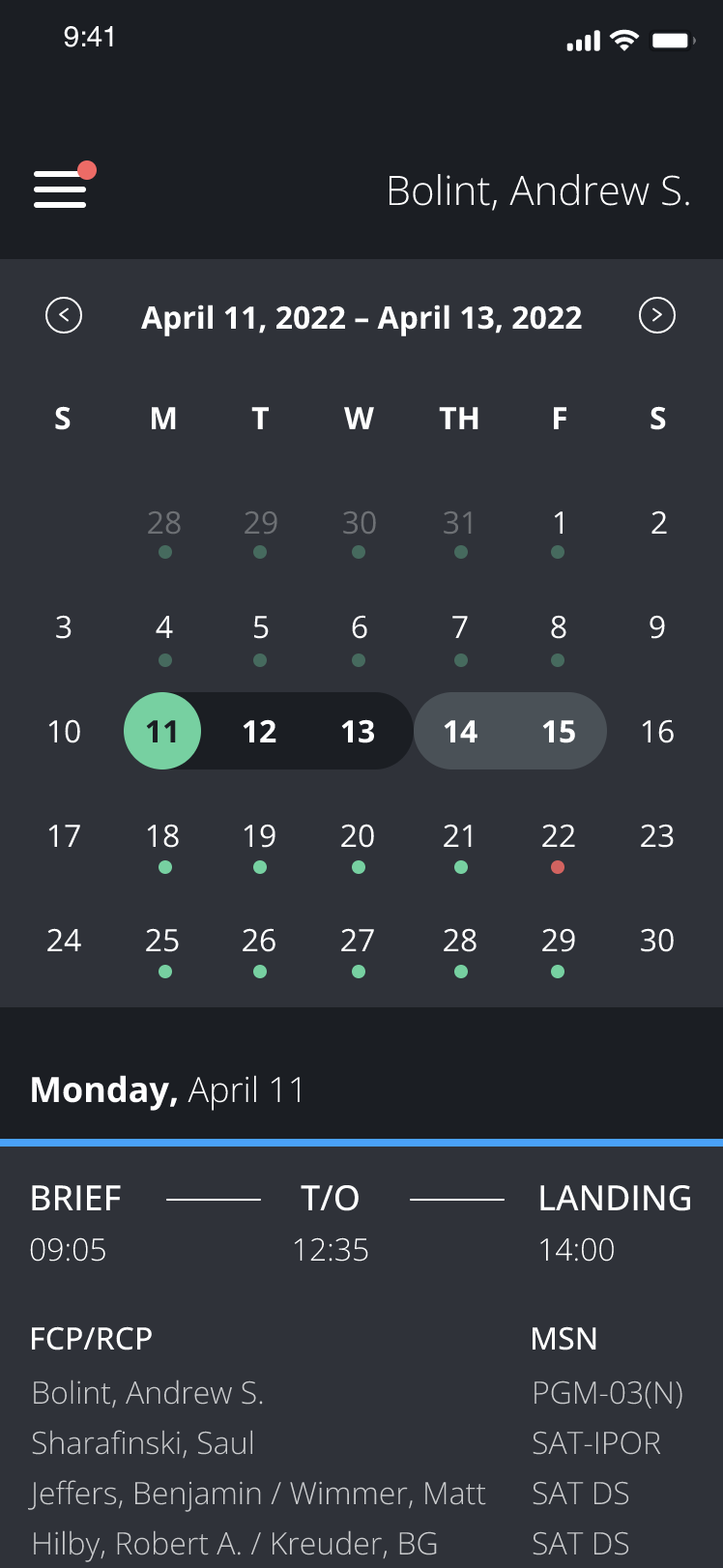
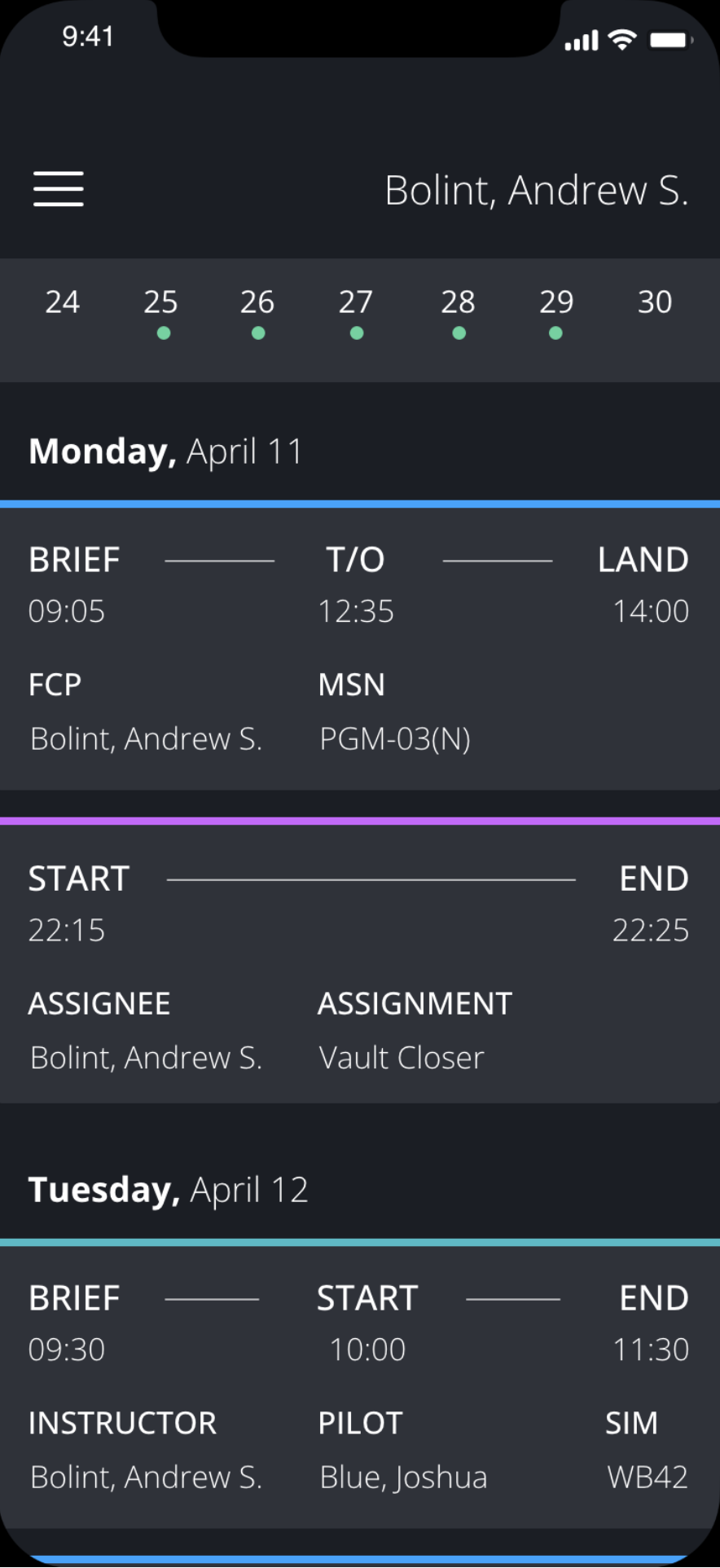
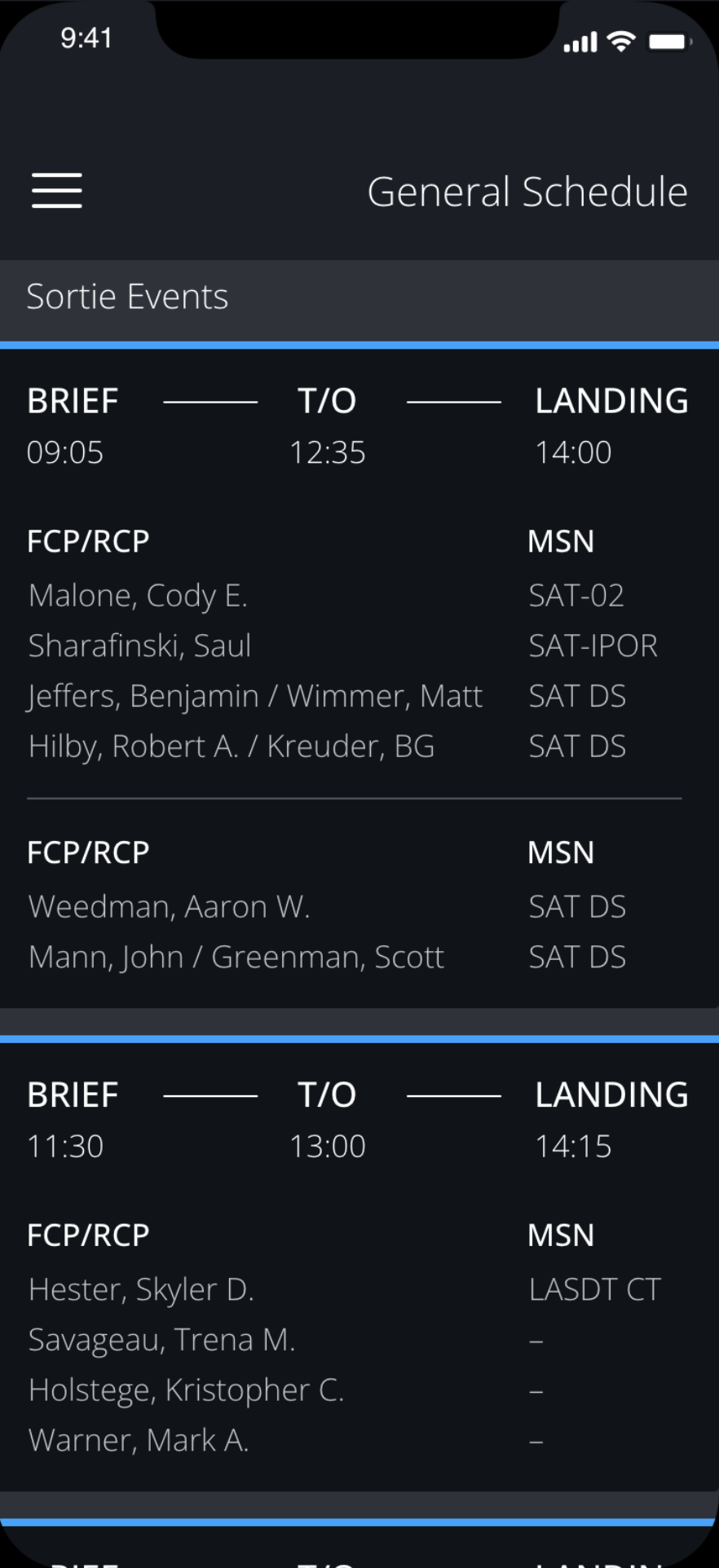
This work translated a complex, constraint-driven scheduling system into a set of connected experiences across planning and execution. A desktop platform supports planners in building and adjusting schedules against constantly shifting variables, while a mobile experience gives student pilots real-time access to their schedules.
Wireframes
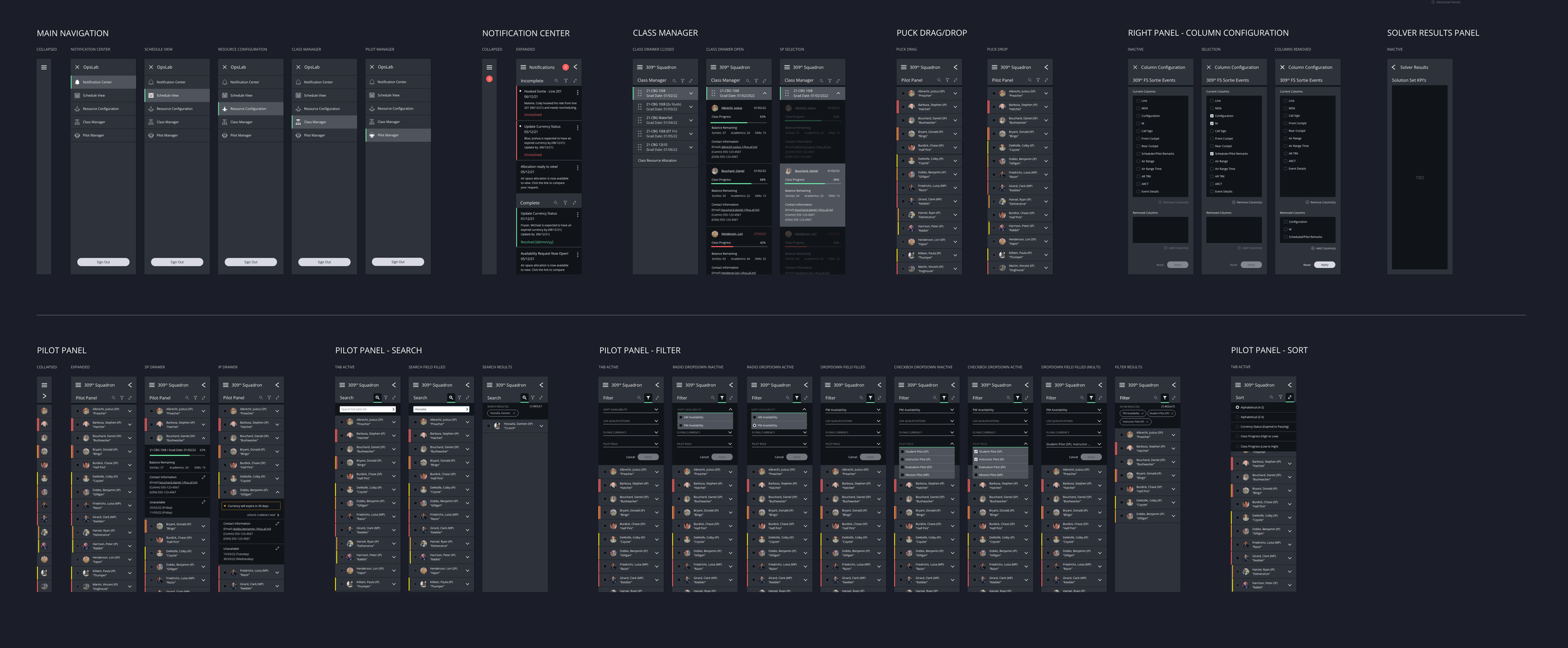
Early exploration prioritized function over form, using structured, high-fidelity wireframes to define interaction and validate the experience before visual design.
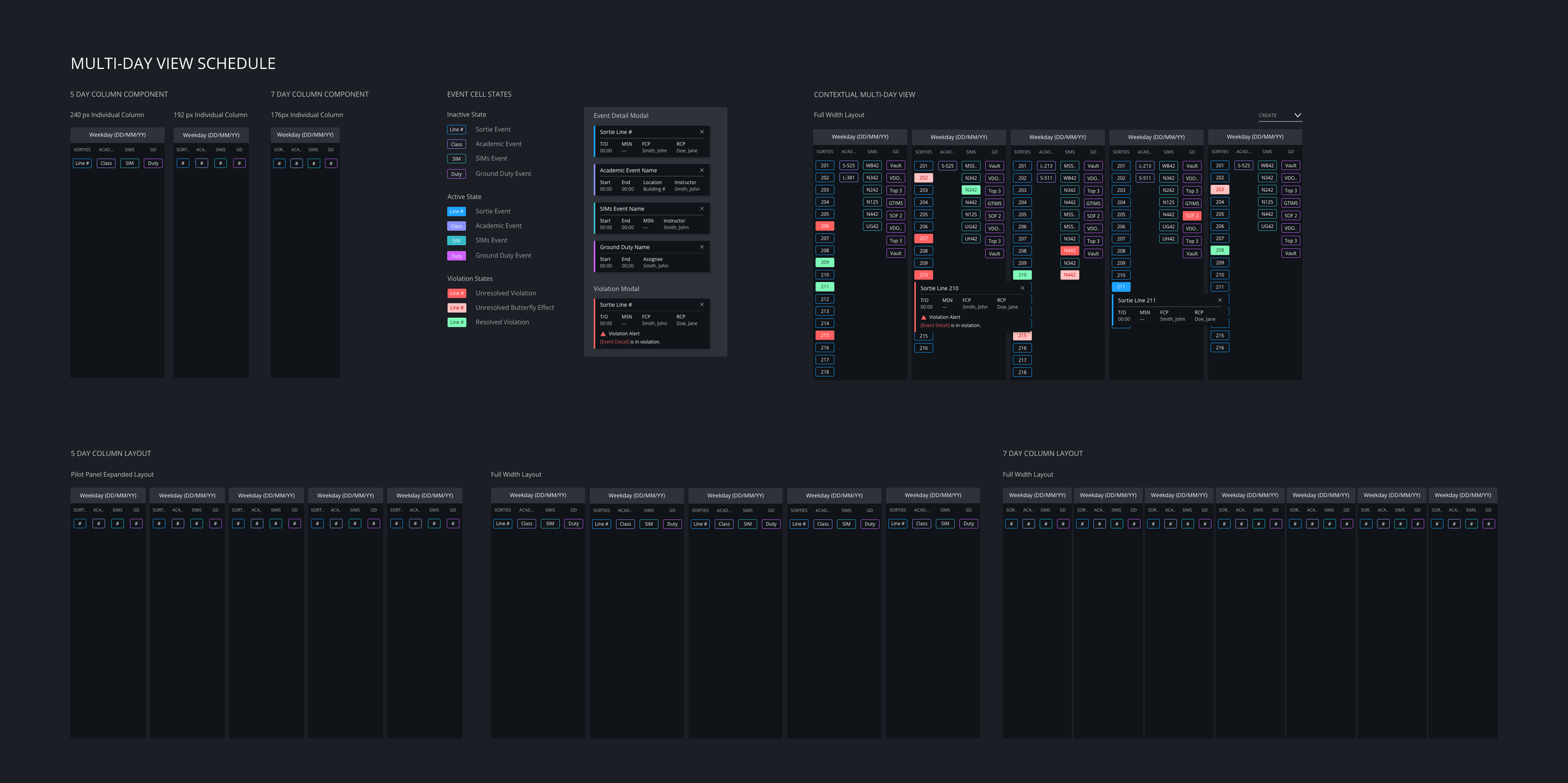
Visual design
With no existing design language, the visual system was created from the ground up. Designed for low-light use, the interface paired a dark UI with high-contrast accents to make critical states and constraints immediately visible.
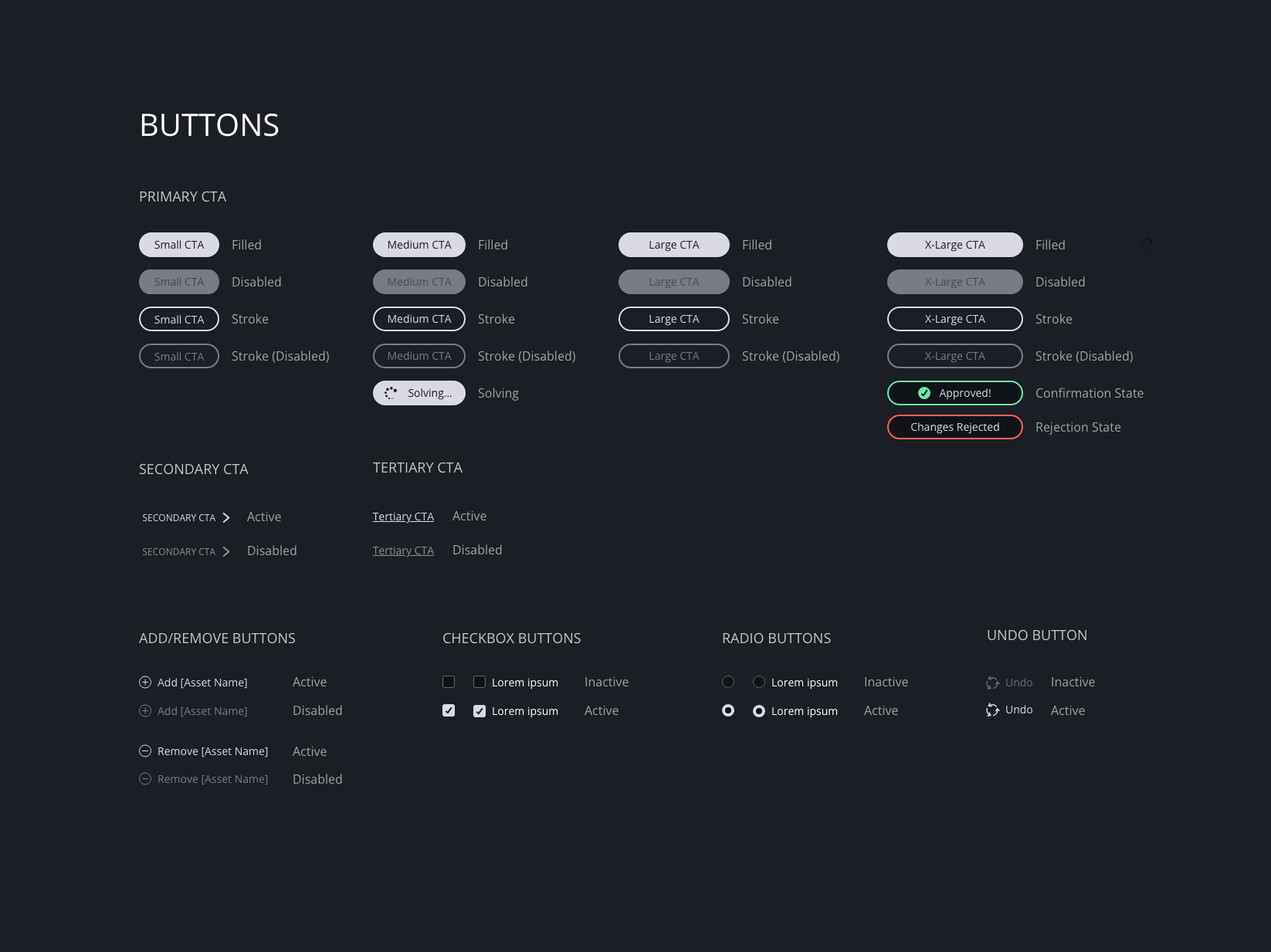
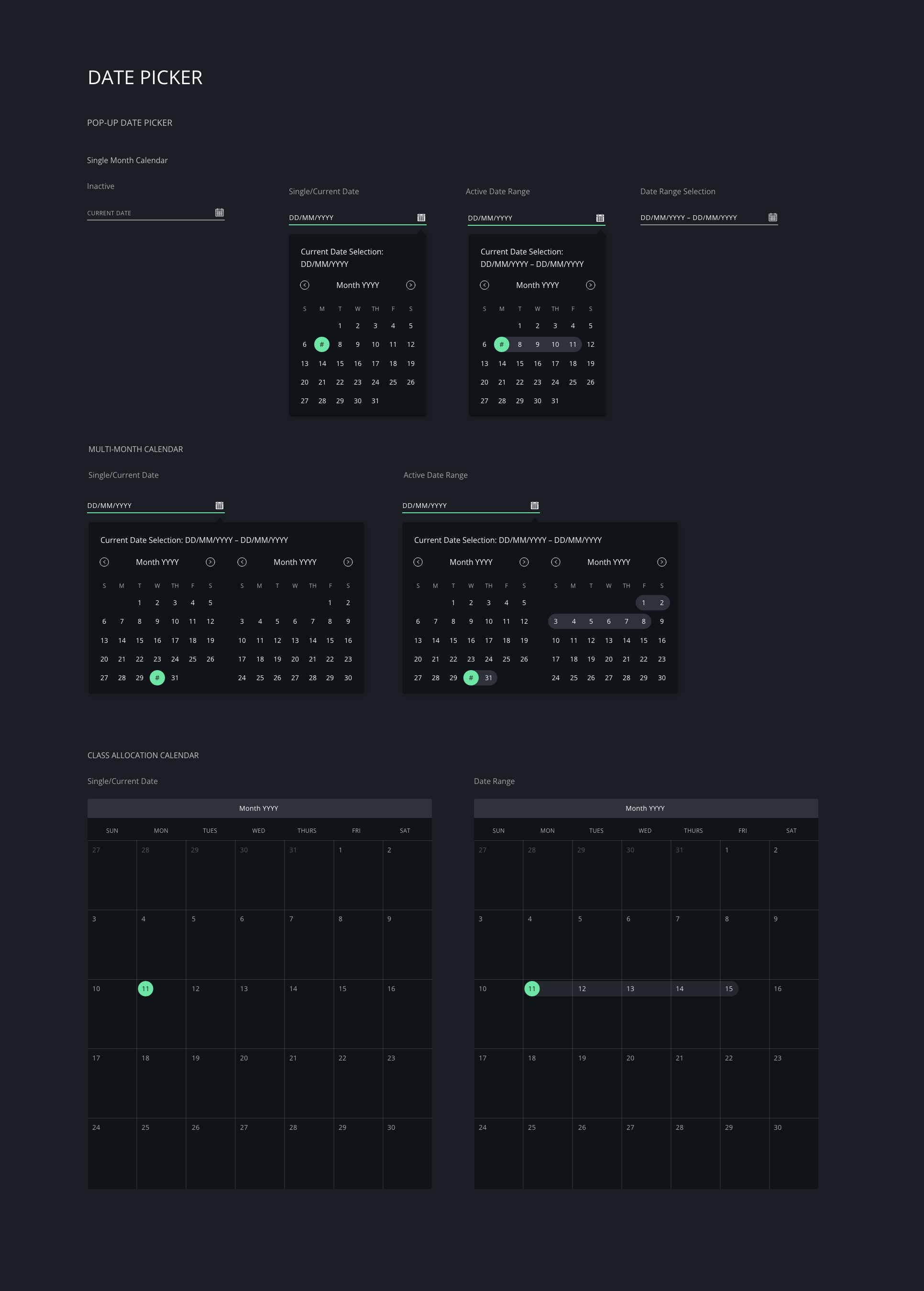
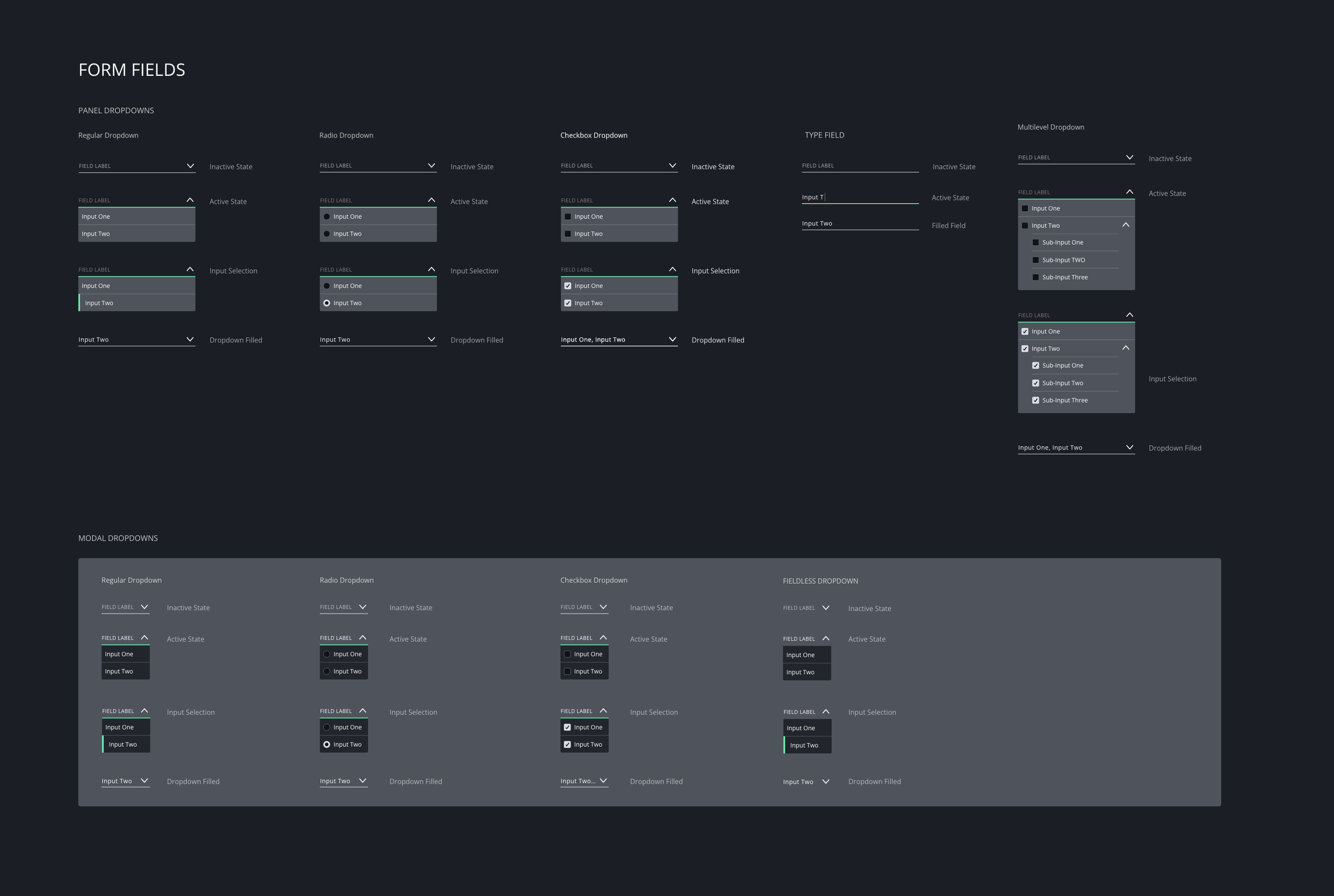
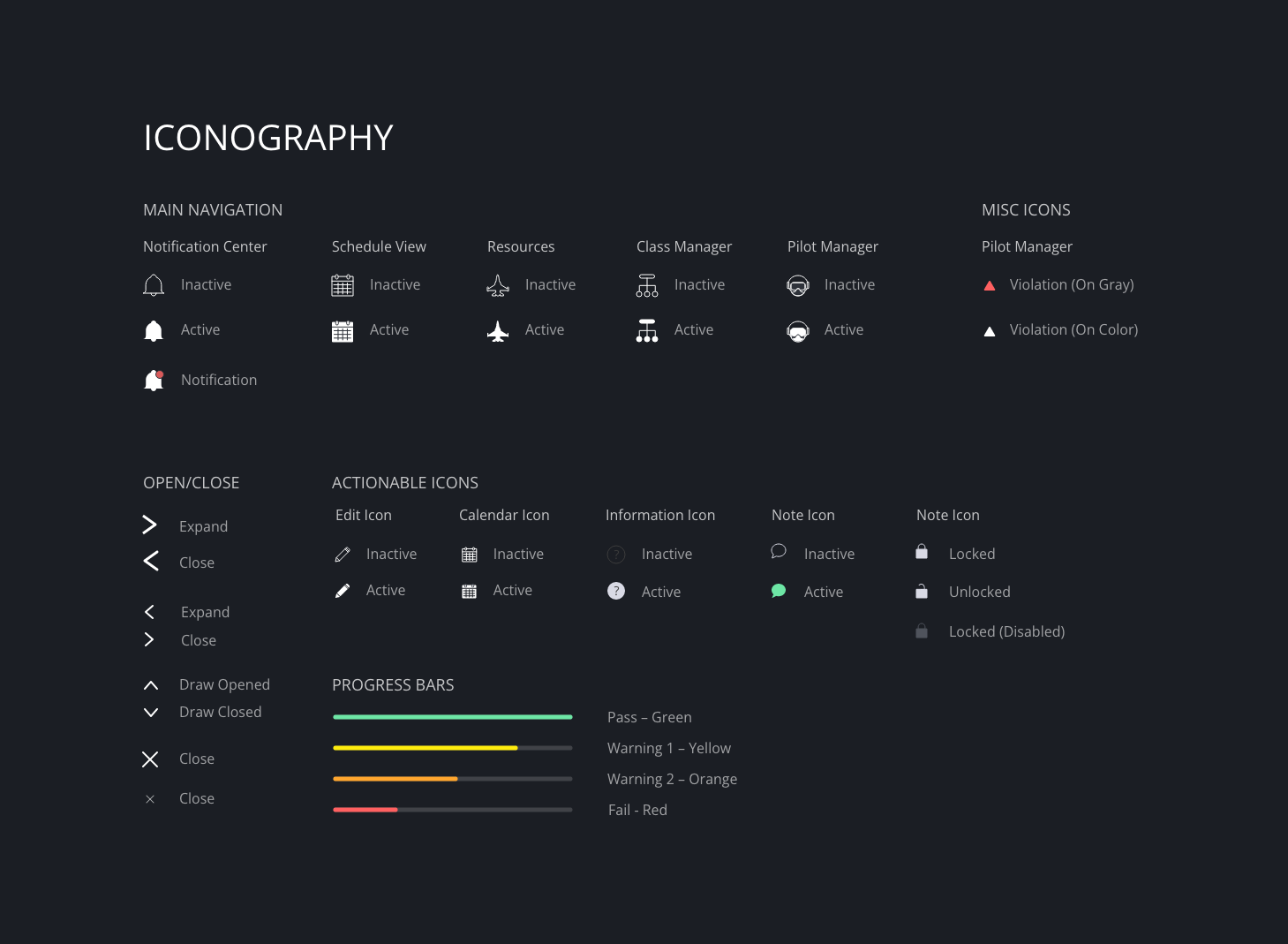
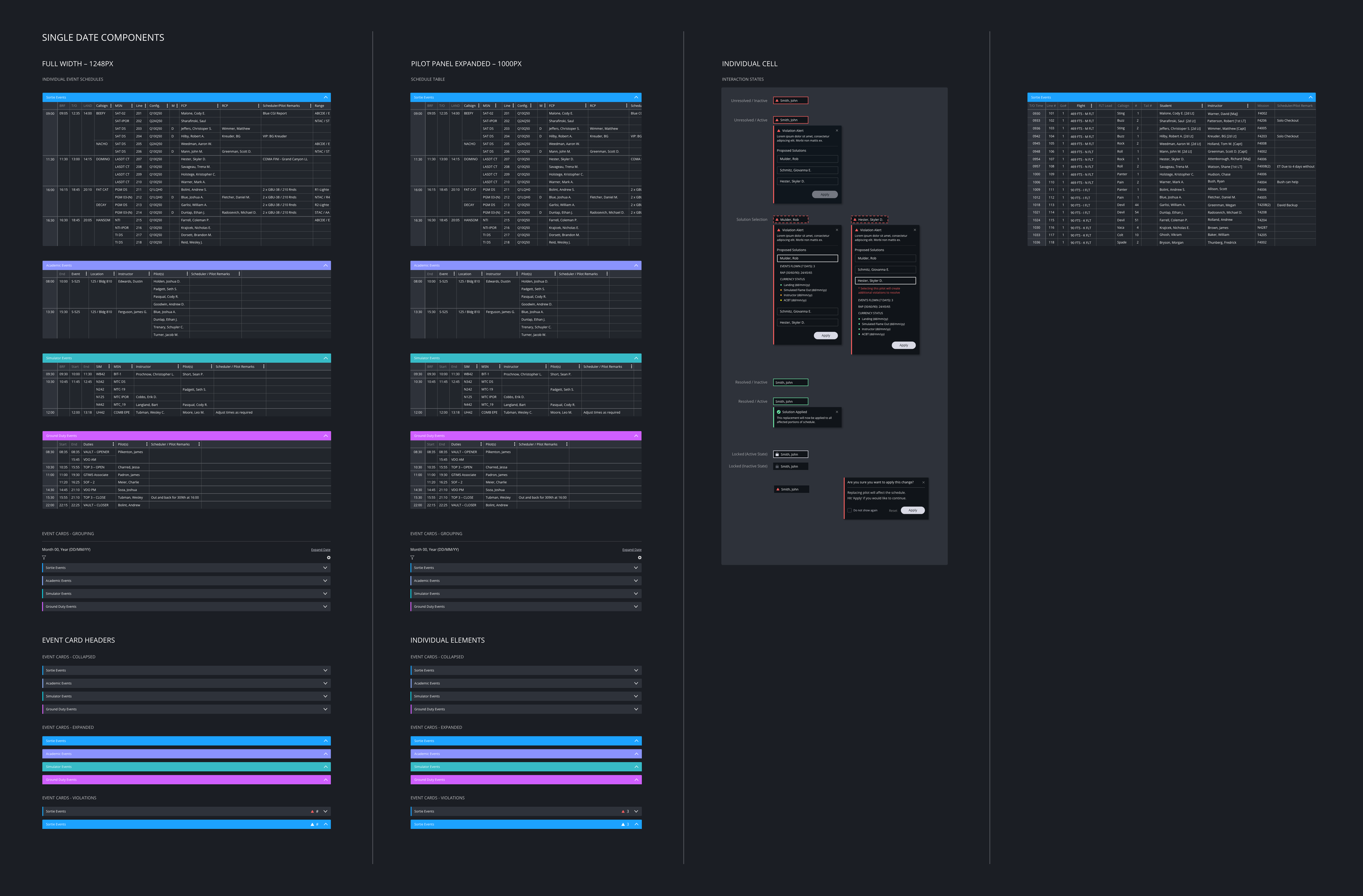
Design System
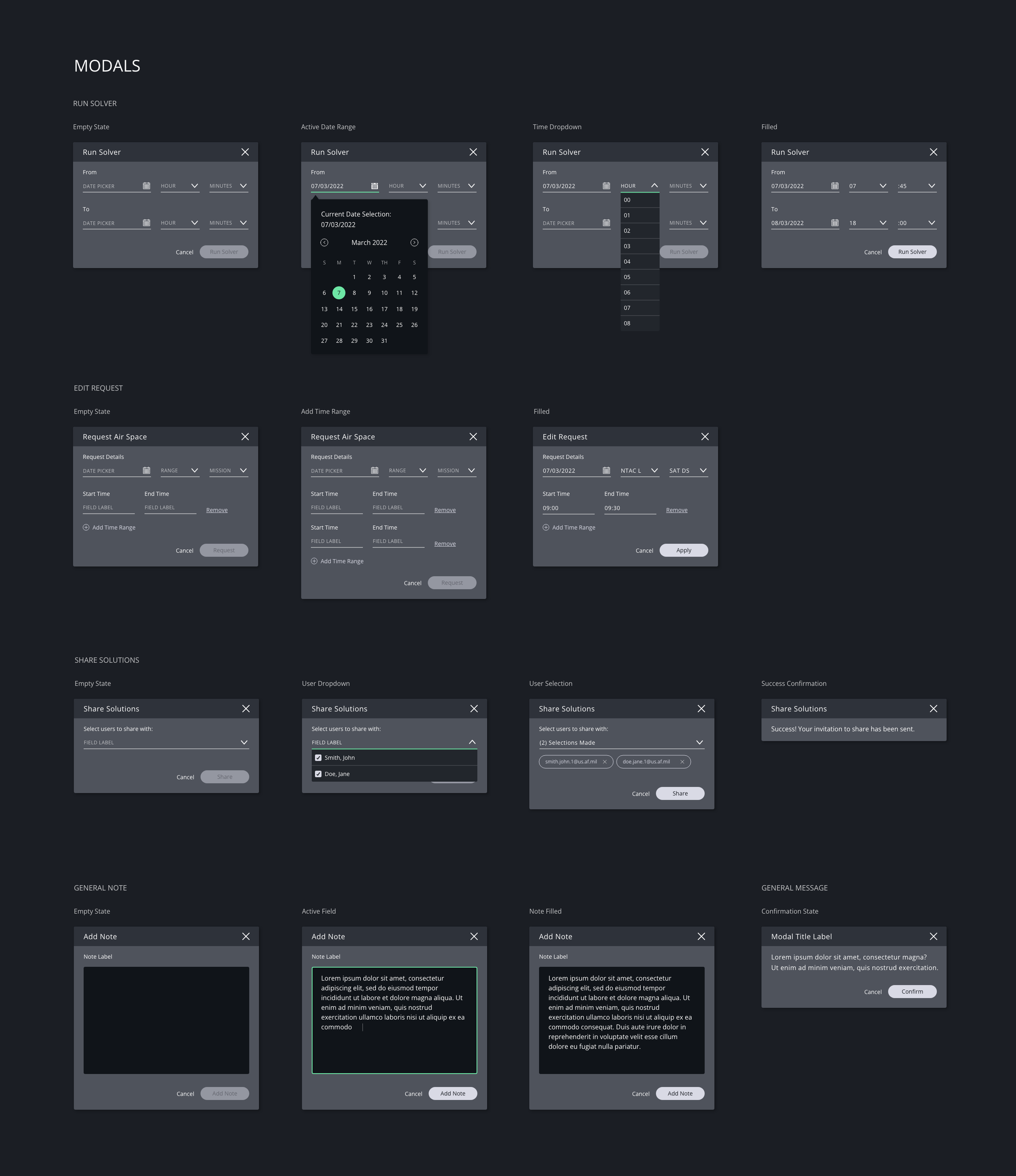
A design system was built from the ground up to support consistency across an increasingly complex interface. Developed in parallel with the product, it enabled rapid iteration and scaled as new features and workflows were introduced.